Beatbot troubleshooting
Beatbot Won't Turn On or Charge? Step-by-Step Fixes
A Beatbot that won't start is usually low on charge, not charging properly, or needs a restart. Beatbot's help center explains the lights and how to test the dock.

Quick fix
Check the breathing light first: orange means 15% or less. Make sure the outlet works and the contacts are clean, then hold the power button for 10 seconds to restart. If a charged robot still won't start, contact Beatbot.
When a Beatbot won't switch on, it's usually one of three things: the battery is low, it isn't charging properly, or it needs a restart. These steps follow Beatbot's help center and support articles.
Tip: Lift the robot out and let it drain before handling the charger. Only use the charger or dock that came with it.
1. Read the light
Beatbot's help center lists the breathing light colors:
| Light | Battery |
|---|---|
| Orange | 15% or less |
| Yellow | Over 15%, up to 30% |
| Green | Over 30% |
If no light comes on at all, charge the robot fully before trying anything else.
2. Check the power supply
- Plug another device into the outlet to confirm it works.
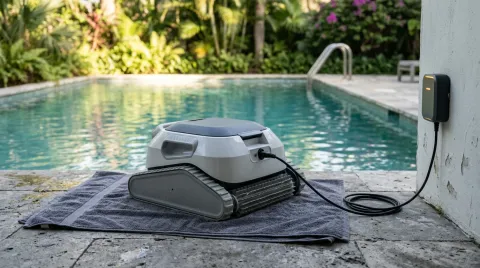
- Reconnect the charger firmly. On magnetic docks, make sure the robot sits squarely; Beatbot notes poor alignment can stop charging.
3. Clean the contacts
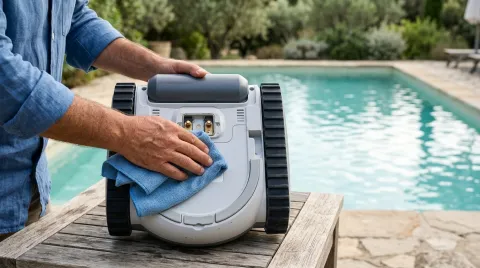
Beatbot says corrosion, limescale or dirt on the contacts can break the connection. Wipe them with a dry or slightly damp cloth and let them dry before charging.
4. Restart
If the battery shows charged but the robot won't start, hold the power button for about 10 seconds to restart it. If the light doesn't match the battery level, restart and check again.
5. Test the dock (AquaSense models)
Beatbot's help center explains how to test a dock with a multimeter in voltage mode: above 25.6 V the dock is fine and the problem is the robot; below 25.6 V the dock is faulty. If you don't own a multimeter, skip this and contact support.
When to contact Beatbot
If a charged robot still won't start, or it won't charge with a working dock, the battery or electronics may be faulty; Beatbot says an internal battery fault needs after-sales service. Have your serial number ready.
If you're weighing a replacement, see our Beatbot brand page.
Still not working?
If the fixes above don’t help and your robot is out of warranty, a repair can cost more than a replacement. Compare current models before you pay for parts.
See the best robotic pool cleaners or find the right replacement for your pool.
Frequently asked questions
What do the Beatbot light colors mean?
How do I restart a Beatbot?
How do I know if the charging dock is faulty?
Sources
Specs, prices and claims in this article come from these sources.
- Beatbot help center · Beatbot · accessed Oct 16, 2026
- Pool robot that does not start or stops during the cycle · Beatbot · accessed Oct 16, 2026
- Cordless pool robot battery not lasting: causes and fixes · Beatbot · accessed Oct 16, 2026
Written by
Research and editing
The PoolRobots editorial team researches robotic pool cleaners from manufacturer documents, published measurements and owner reports.